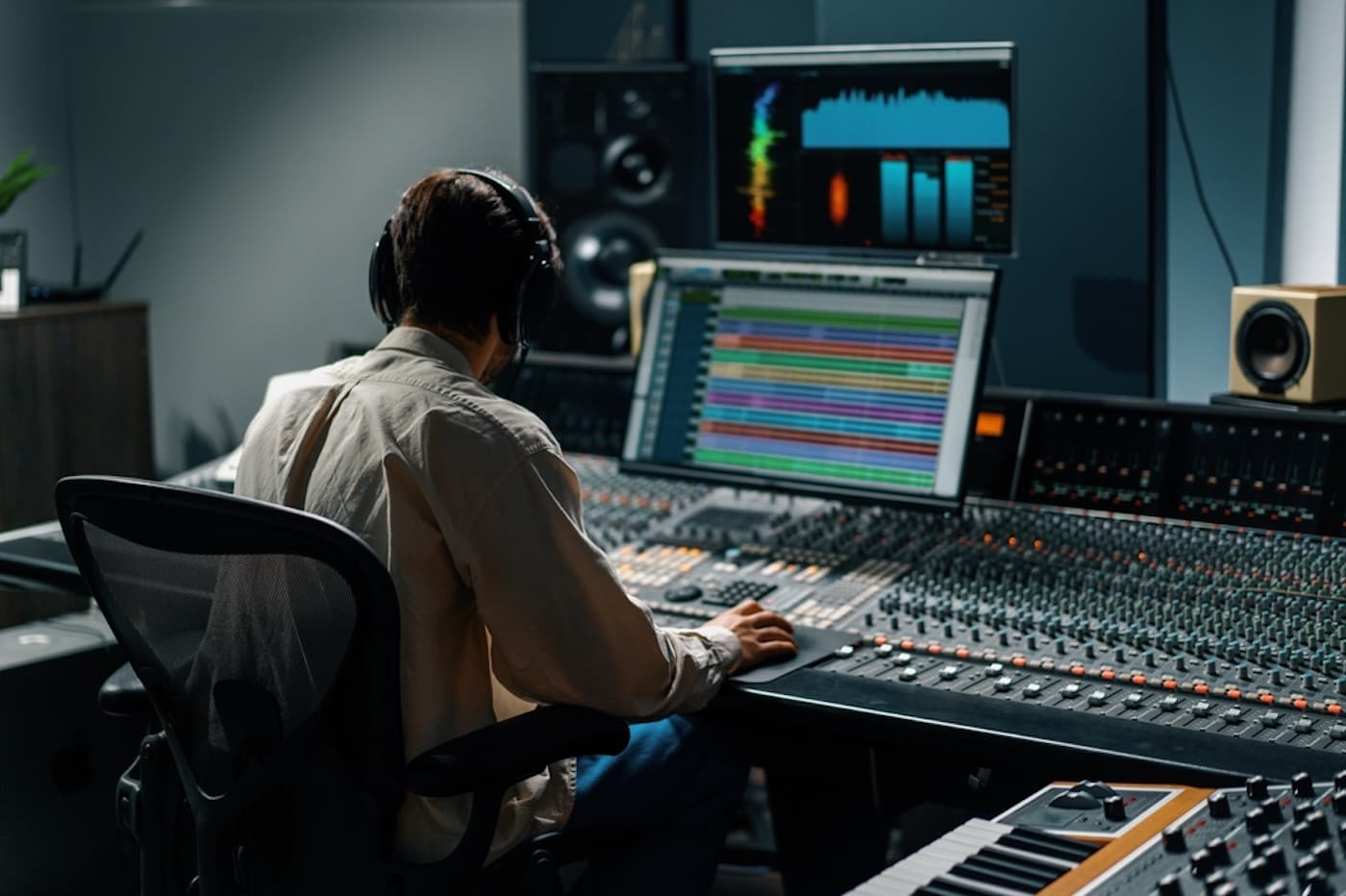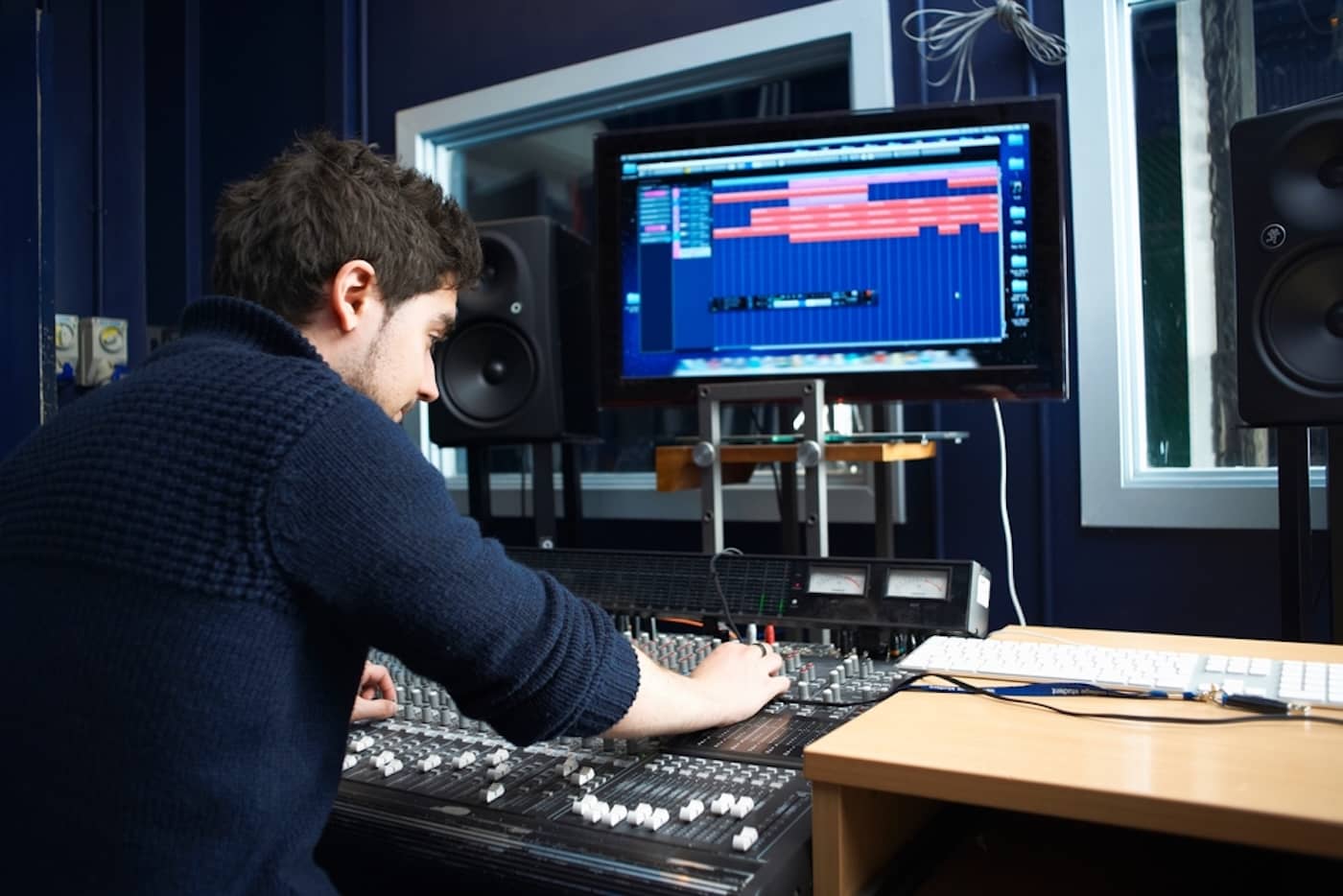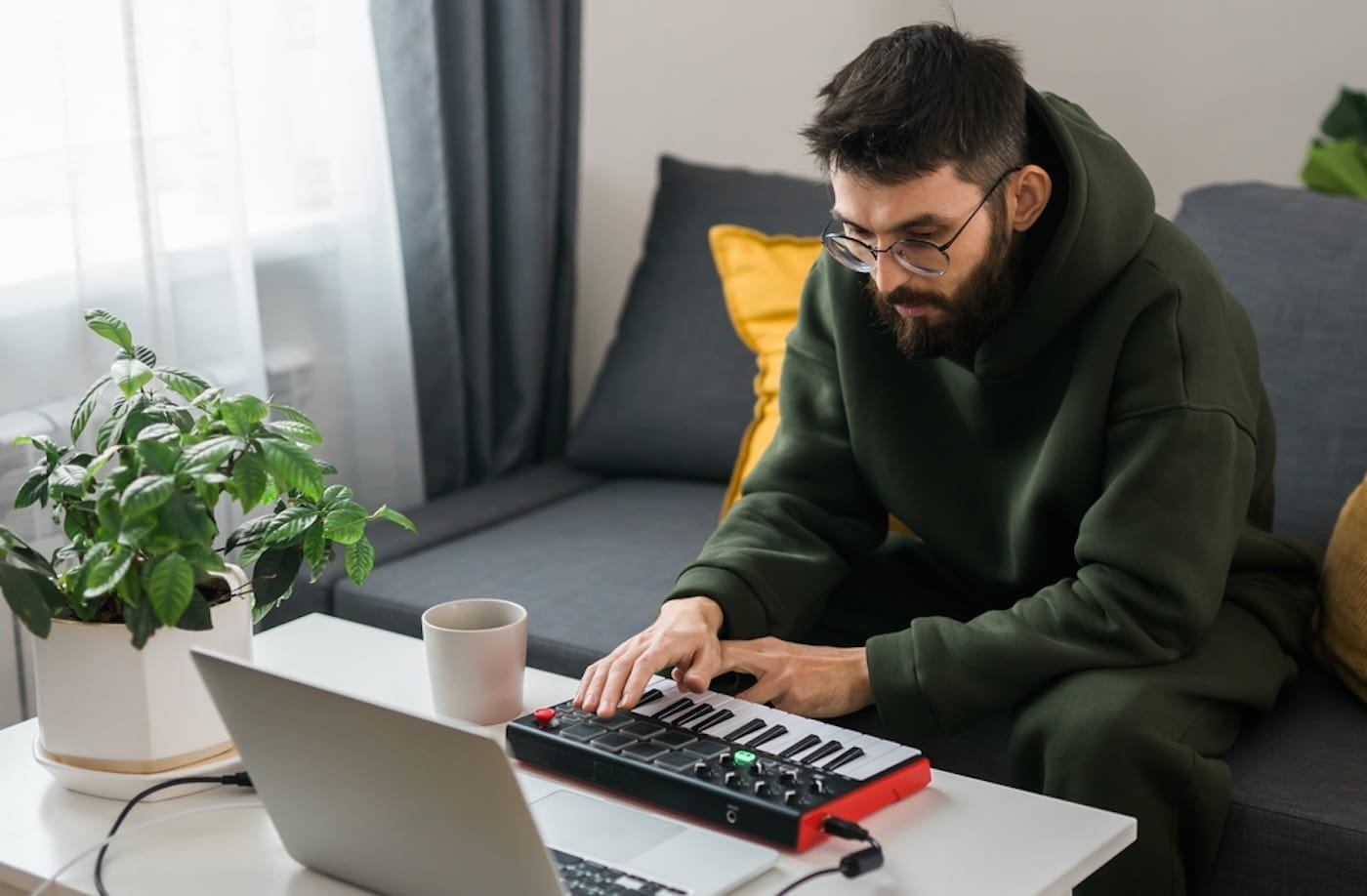
Today’s music production landscape has never been more accessible, with powerful apps that rival traditional desktop software.
The best beat making apps make it easier than ever to create, arrange, and develop beats, whether you’re starting from scratch or refining ideas.
This guide breaks down the 10 best beat making apps available today, from beginner-friendly apps to professional-grade digital audio workstations, and how to start making beats of your own.
Get Early Access
To Promo Hype
What Are Beat Making Apps?
Beat making apps have become a popular way to make music on the move, from basic beats to fully-fledged tracks.
Many beat-making apps offer robust music production tools for editing, mixing, and mastering to produce professional-sounding songs.
Additional tools in mobile beatmaking apps include built-in drum machines and loops, as well as the ability to record vocals and capture samples.
Combined, such music tools can be applied across all popular music genres, from hip-hop and electronic to pop and rock.
Advantages of Using Beat-Making Apps
As the popularity of music production software continues to grow, aspiring producers now have more beat-making options than ever.
Here are some of the main benefits of using beat-making apps on Android and iOS devices to enhance your creativity:
- Portability and accessibility: Mobile beat makers are designed for portability and accessibility, allowing music creation without a desktop computer or hardware.
- In-depth creative resources: Most beat makers come with powerful resources and free tools, ranging from virtual instruments and drum machines to more sound packs, which you can use to make music.
- Facilitating spontaneity in collaborations: Many successful independent artists build their reputations through collaborations, and beat-making apps include cloud storage and communication features to support complex projects.
By understanding how song structure works, songwriters and producers can capitalize on their beat-making apps to explore new ideas.
Learn more: What does a music producer do?
The 10 Best Beat-Making Apps For 2026
Whether you have a clear idea for a song or just want to experiment, there’s a great app you can use for mobile beat creation.
Here’s our selection of the 10 best beat-making apps, from fun and engaging options to comprehensive music production tools.
10. Koala Sampler
An excellent mobile production app for anyone just starting to produce music is Koala Sampler, available on iOS and Android.
It provides instant sampling tools for recording music from your smartphone’s microphone, with a slick interface centered on 64 pads.
These pads are complemented by advanced editing tools for cropping, time-stretching, and normalizing, paired with extensive effects.
With DAW integration and hardware support for MIDI controllers, Koala Sampler bridges casual and professional production.
9. Splice
The app Splice delivers extensive sounds and samples, making it easy for new users to get started making rich, complex beats.
Producers can also use various chord types to develop their songs, layering samples and drums to create loops.
Everything is structured around an intuitive user interface, with tempo and key information to help users match elements together.
It’s a fun, easy-to-use application with the option to transfer projects from the mobile version to desktop DAWs.
Recommended reading: The best music production equipment.
8. Soundtrap
The mobile version of Soundtrap includes many of the core features of the desktop version, enabling recording and editing of musical projects.
Songwriters can record vocals and adjust pitch using the app’s pitch correction, then apply effects such as reverb and chorus to enhance the recordings.
There are also plenty of virtual instruments to choose from, including pianos, synths, and drum kits, for creating complete arrangements.
Soundtrap is also ideal for collaborative projects, with cloud syncing and in-studio chat for real-time discussions and compositions.
7. Beatmaker 3
For producers who work exclusively on iOS devices, Beatmaker 3 is a popular choice, as it supports AUV3 plugins.
The app uses an MPC-style, pad-based workflow for hands-on beat making, with advanced sampling tools for varied sound design.
There are also extensive features for mixing music, with a full mixing desk sporting automation tools that complement the sequencer.
It’s one of the standout beat-making apps for Apple users, giving traditional desktop versions of DAWs a run for their money.
6. Groovepad
Newcomers to music production seeking to create dance or hip-hop tracks can benefit significantly from the Groovepad app.
Available on iOS and Android, Groovepad’s pad-based system delivers a tactile, engaging approach to making beats.
There’s a comprehensive sound library for building loops, with effects like reverb, delay, and filters to add texture and depth.
Groovepad also includes a Beat School feature that uses specific sound packs to help new producers explore song structure templates.
5. Bandlab
Many notable singers and bands have launched their music careers using BandLab as their go-to all-in-one digital audio workstation.
The Bandlab mobile app offers extensive functionality for artists, including a multi-track studio and hundreds of virtual instruments.
This open-ended flexibility is matched by an approachable workflow that eases users in, with automation tools ready for beginners.
Bandlab also includes thousands of royalty-free samples and loops, making it a highly recommended beatmaking app for budget-conscious producers.
Get Early Access
To Promo Hype
4. Cubasis
The desktop program Cubase has long been used by professional producers seeking in-depth MIDI and sample-based production workflows.
Its feature-rich design has made it widely adopted by producers of all types, from traditional songwriters to movie and video game composers.
Developer Steinberg has carried across many of the core features of its professional software to Cubasis, available on Android, iOS, and Chrome OS.
MIDI and audio tracks are extensive, while hundreds of built-in instruments and effects are ready to enhance compositions.
The app also includes powerful mixing and mastering features, covering everything from audio compression to dozens of effects.
Steinberg continues to introduce new features to Cubasis, from powerful new guitar effects to workflow improvements.
3. GarageBand
Like BandLab, GarageBand is often associated with music producers working in rock and pop genres on Apple devices.
Available free with all Apple hardware, it provides responsive touch instruments for real-time arrangements and a massive sound library.
GarageBand’s powerful beat sequencer can be combined with the platform’s smart drums to quickly build rhythms packed with groove.
Users can create electronic music and remixes with the app’s Live Loops feature, quickly snapping loops to the grid, ready to trigger.
Once songwriters have compiled multi-track recordings, they can export directly to Logic Pro on their desktop Mac computers.
It’s a flexible, competent free beat-making app that lets producers make music anywhere they like without compromising quality.
2. Ableton Note
Ableton Live is widely regarded as one of the best music production software, particularly for those focused on electronic music genres.
The developer has expanded their software range with Ableton Note, a pocket-friendly app designed to serve as a “musical sketchpad.”
Mirroring the Session View of Live, Note allows users to build tracks intuitively, laying down beats and basslines before writing a melody.
This is performed in the app’s MIDI editor, with grid mode and touchscreen functionality working together seamlessly.
Recent updates to Ableton Note include the Drift synth and the desktop version’s Move function, enabling in-depth sound design.
Essential reading: How to make money as a music producer.
1. FL Studio Mobile
Like Ableton Live, FL Studio is widely regarded as one of the best DAWs, with an emphasis on multi-track recording, editing, and sequencing.
FL Studio Mobile retains the core features of its desktop counterpart, with high-quality sounds, synthesizers, and a wide range of effects.
The built-in step sequencer enables rapid percussion programming, while MIDI controller compatibility further elevates the creative process.
FL Studio Mobile also includes a selection of automation tools to create evolving sounds with variety and depth.
Additional updates to the app, such as the Loop Starter tool, can help new producers get up to speed in just a few clicks.
There’s also the AI assistant tool Gopher, a built-in chatbot that can be accessed to learn music production techniques on the fly.
With musical sketchpad tools akin to Ableton Note for fleshing out compositions on the move, FL Studio Mobile covers everything producers need.
Best Free Beat Making Apps
If you’re becoming a music producer with little disposable income, you can begin your musical journey with free beat-making apps.
We’ve covered some popular free beat-making apps, such as BandLab and GarageBand, but here are some additional free-to-use options:
- Music Maker JAM: For those learning to write songs, Music Maker JAM offers intuitive tools for creating beats and loops across a broad range of musical genres.
- Launchpad: Available on iOS, Launchpad’s grid-based system is another accessible option for beginners, which uses pre-made song elements and an 8-channel mixer.
- n-Track Studio: With a free version available, n-Track Studio’s AI music production tool, MixSplit, delivers reliable stem separation to add basslines and instruments to your beats.
You can expand your musical horizons by exploring the best songwriting software to learn more about compositions and arrangements.
How To Make Beats Using Beat Making Apps
Once you’ve chosen an app that matches your experience and style, you’re ready to venture into the beat-making world and create tracks.
Here’s how to make beats that match your creative vision as part of a versatile mobile production workflow:
- Set the tempo and time signature: Before you start writing beats, establish the track’s tempo and time signature, such as 120 beats per minute in 4/4. You can learn basic music theory to understand better how these elements can be used in your beat-making apps.
- Choose samples for creating patterns: Next, select the drums and percussive samples you want to use in your track, making the most of royalty-free samples to save money. You can then build up your drum patterns, beginning with the kick drum and snares before adding other sounds.
- Introduce melodic and harmonic elements: Once you’ve established a strong rhythm, add chord progressions and melodies that match the groove.
- Structure the beats in loops and sections: Next, build out the track’s structure and add variety among verses, choruses, and other sections, such as bridges, in the composition.
- Mix and master the results: Lastly, you can use mixing tools to mix and master, ensuring it sounds polished and professional when played back on various sound systems.
By applying music production tips at each stage, you can create high-quality sounds that capture the listener’s attention.
Read this next: How to submit music to radio stations.
Beat Making Tools And Resources
If you’re struggling to master the basics or want to hone your skills, there are countless resources to help you along the way.
Check out these resources to make the most of your beat-making apps and become an excellent music producer:
- Free sample packs and virtual instruments: There are many excellent free sample packs for acquiring drum sounds, as well as free VST plugins for virtual instruments and drum machines.
- Music production tutorials and courses: Learning music theory and production techniques can be streamlined by signing up for online music production courses or using free YouTube video tutorials.
- Digital distribution services: Once your beats are finalized, you can streamline the upload process to multiple streaming platforms with the best music distribution services.
You can also research how to promote your music to build an audience of like-minded fans and launch a viable music career.
Summary
Creating beats on the go is more accessible than ever, whether you’re using a simple beat maker or a full mobile digital audio workstation.
The best beat making apps in this guide cover everything from beginner-friendly tools to advanced production features for building complete tracks.
By learning the fundamentals of beat making and choosing the right app for your workflow, you can turn musical ideas into polished, professional-grade beats.
Get Early Access
To Promo Hype
Join Promo Hype

Want the latest Unsigned Advice?
Subscribe to our mailing list to get tips, tricks and hacks straight to your inbox!